
Overview
PPT2Preview is a modern SaaS service that automatically converts slides and outlines into professional videos with AI voiceovers. After uploading a PDF/PPTX and a Markdown outline, Google Gemini 2.0 Flash generates a slide-by-slide voiceover script. The script is then optimized and synthesized via TTS to produce an MP4 video, making it suitable for presentation recording, tutorials, and product introductions.
Key Features
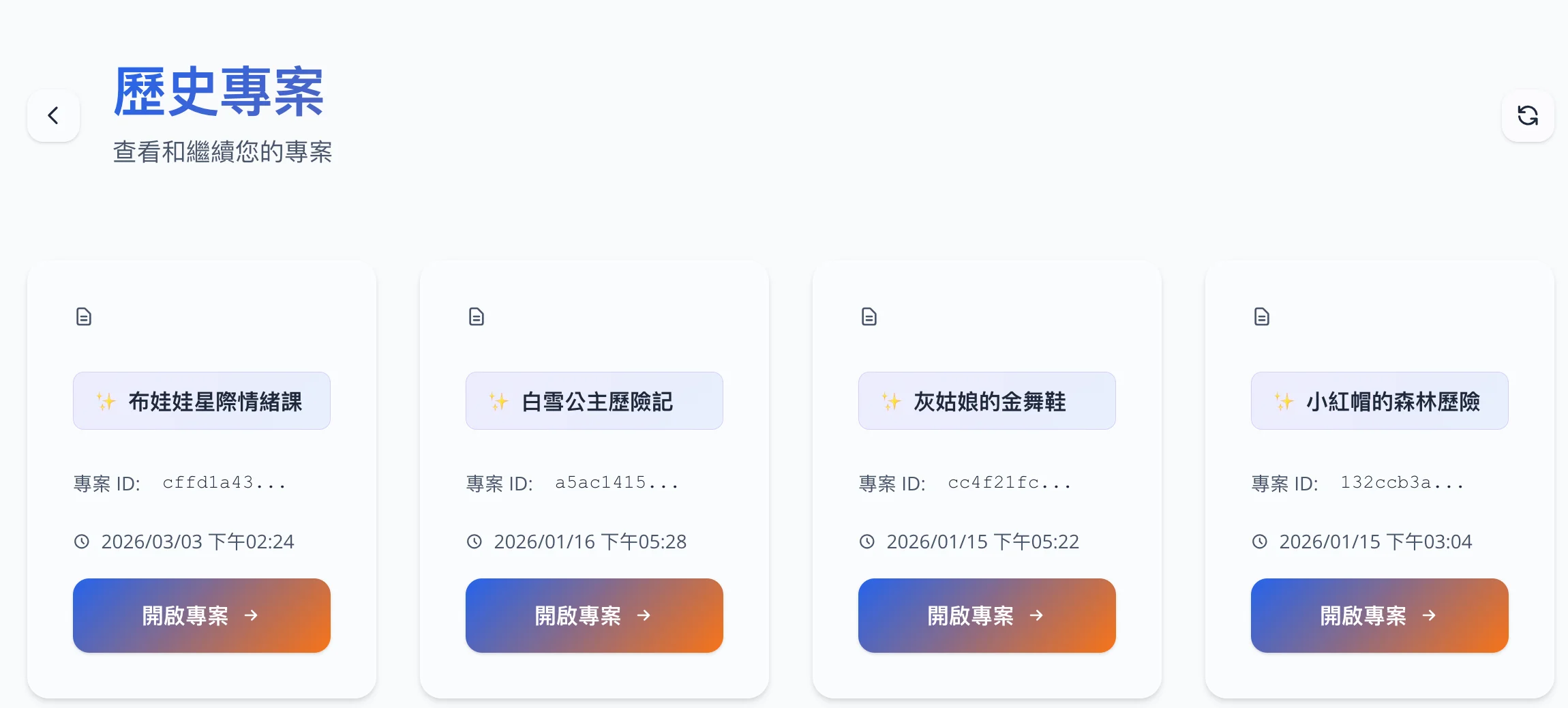
- Upload & Projects — Supports simultaneous uploading of PDF/PPTX slides and Markdown outlines. Users can customize the project name and reopen it from the project history.
- AI Script Generation — One-click generation of voiceover scripts using Gemini 2.0 Flash based on slide content and outlines. Supports short/medium/long mode optimization and manual editing.
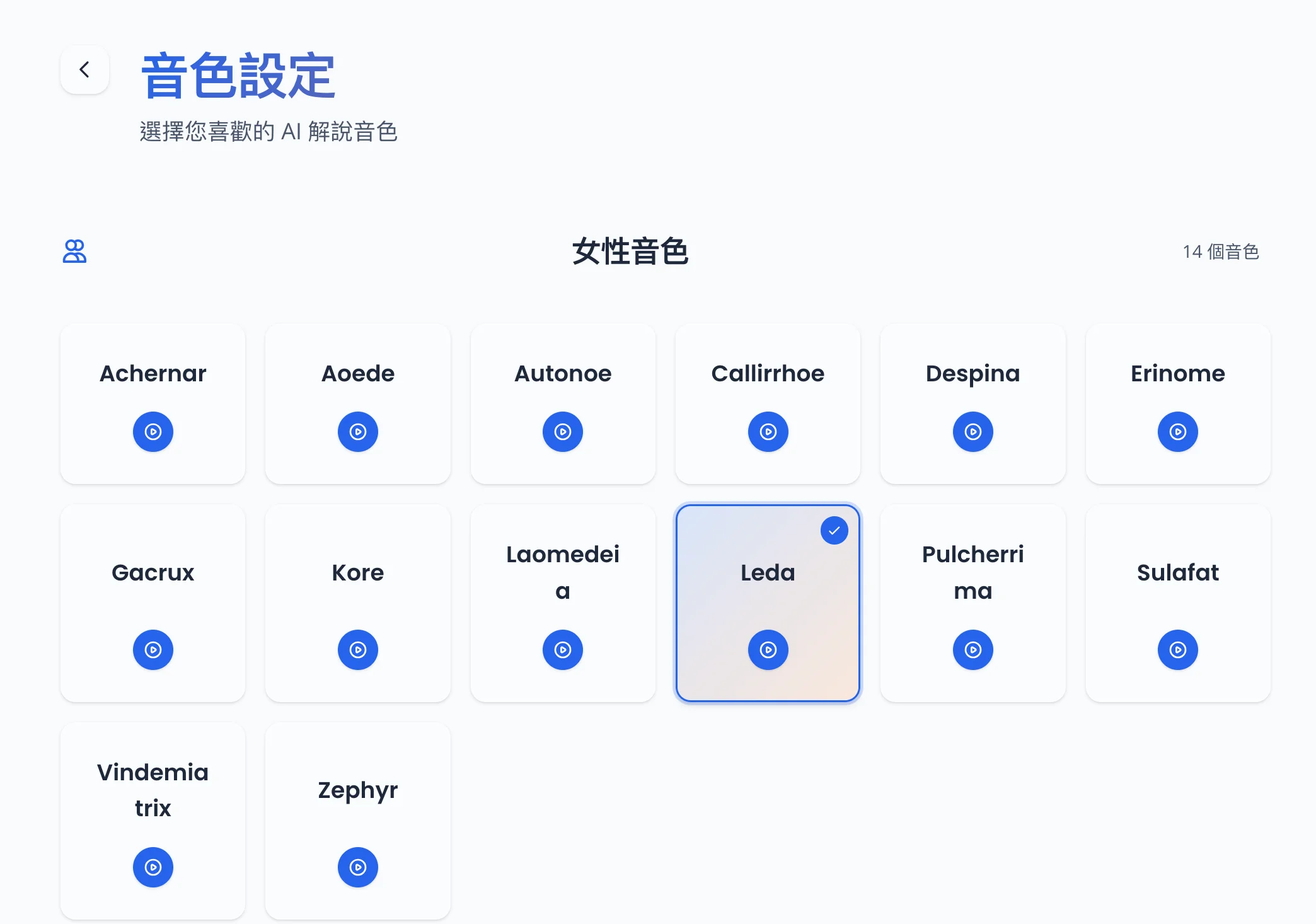
- Multi-voice TTS — 30 Google Cloud TTS voices (14 female, 16 male), supporting Traditional Chinese. Users can preview and select voices on the settings page.
- Video Synthesis & Download — Synchronizes voiceovers and slides page-by-page, displaying real-time progress via WebSocket. Once completed, users can preview and download the MP4 video.
System Interface & Workflow
Below are the screenshots corresponding to each step of the operation workflow.
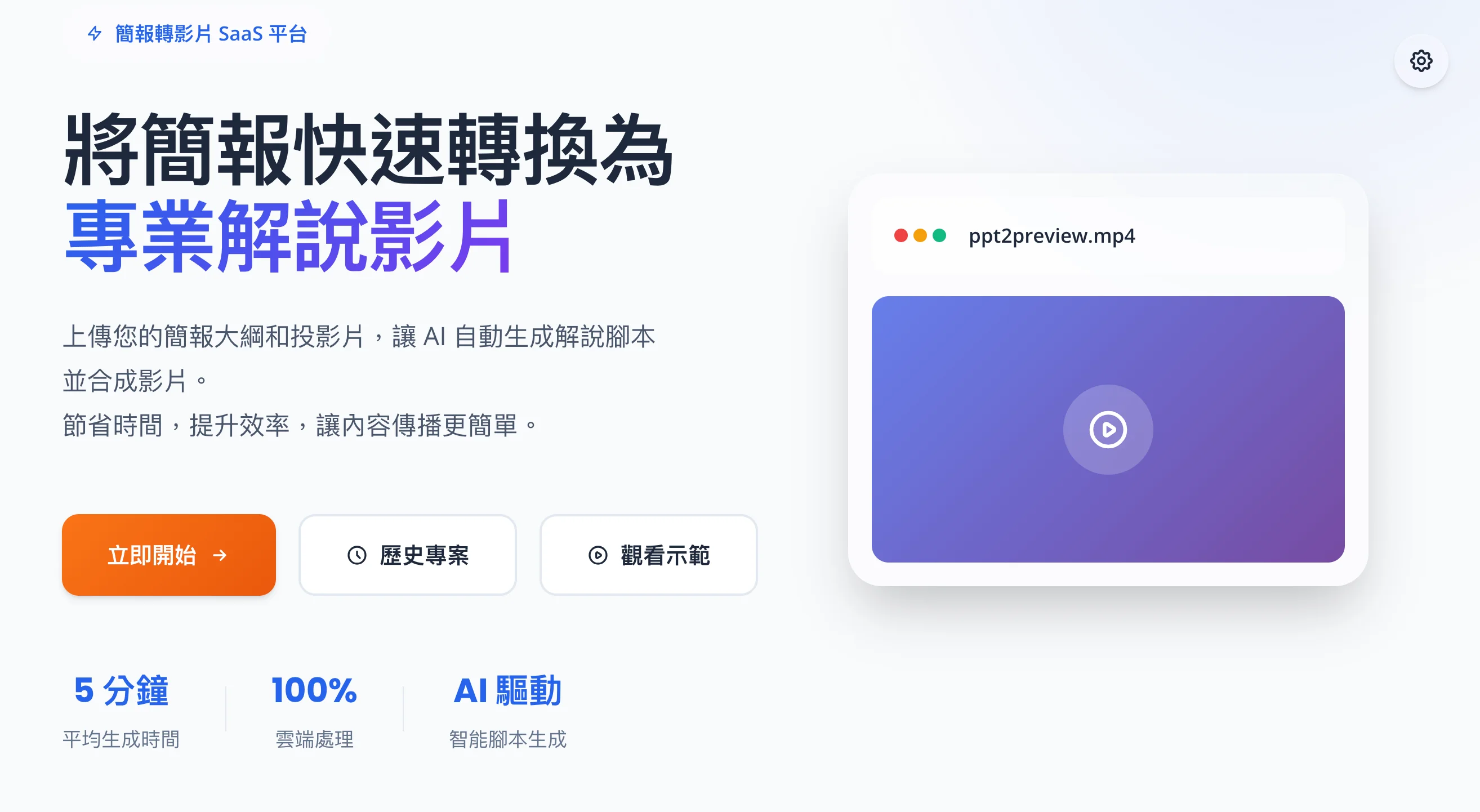
Home
From the home page, users can quickly understand the product’s value and the four main steps, and start a new project with one click.
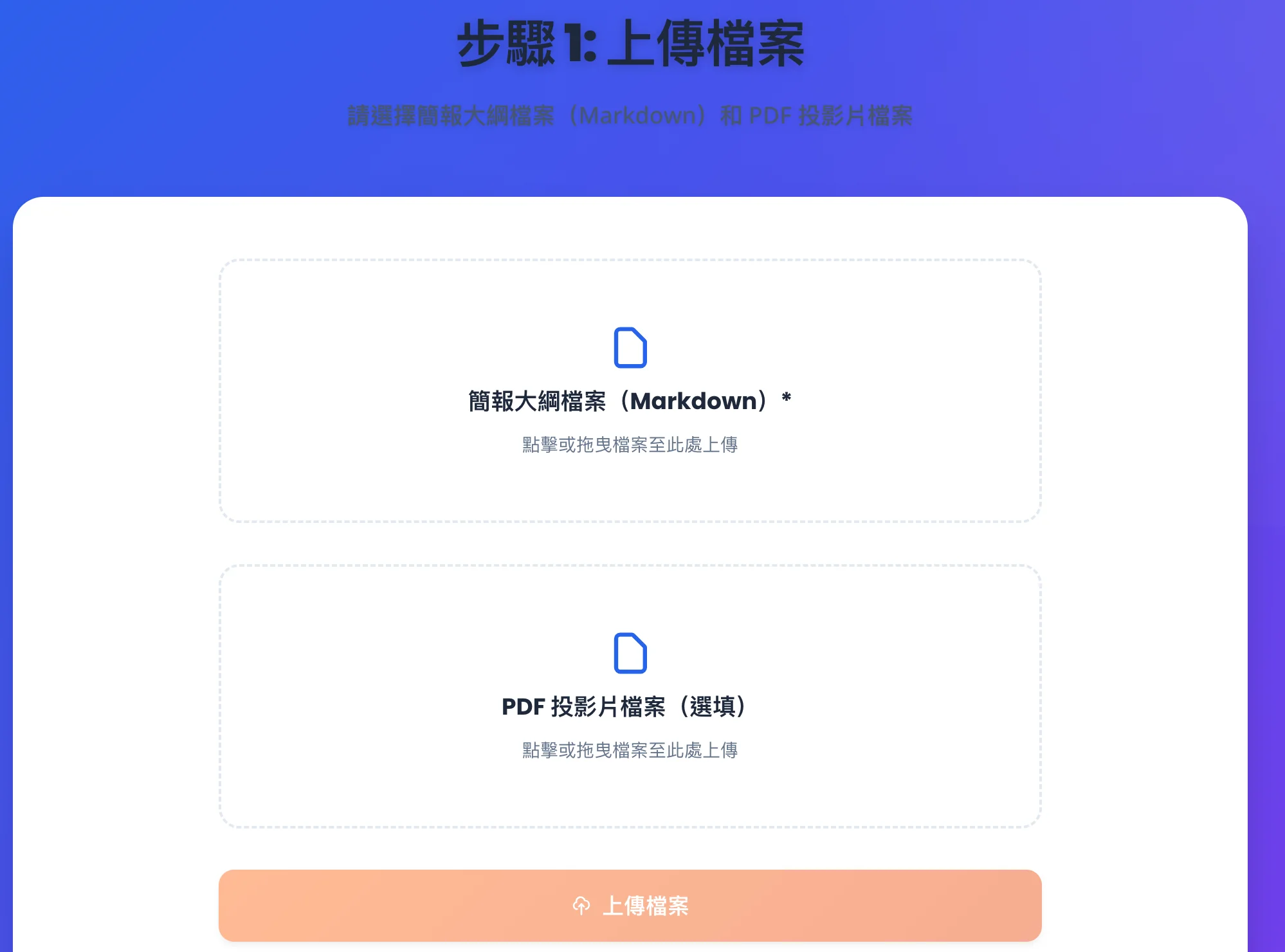
Step 1: Upload Files
Upload the Markdown outline and PDF/PPTX slides. The system will create a project and proceed to the subsequent workflow. The project name can be edited on the page after the upload is complete.
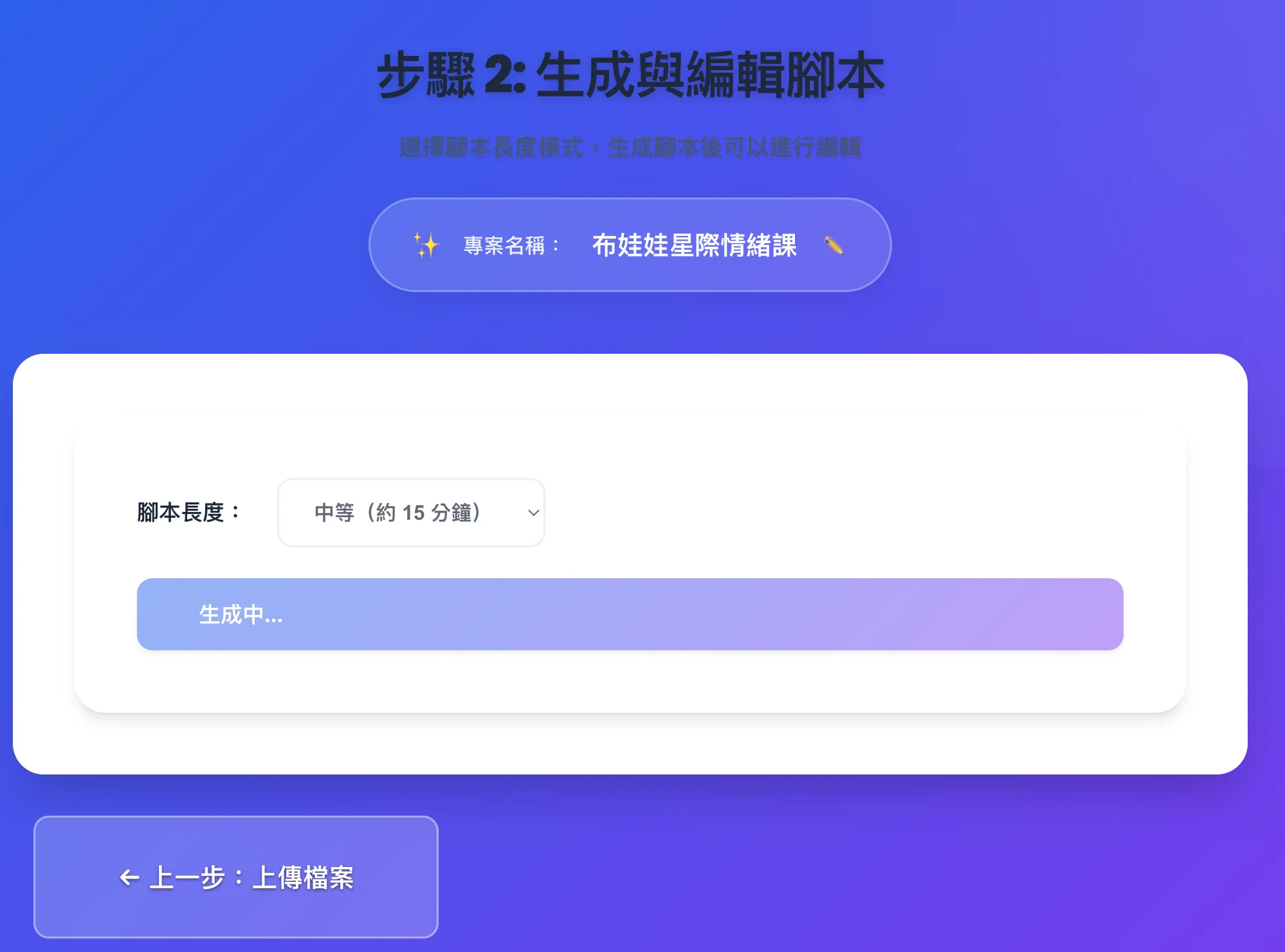
Step 2: Generate Script
One-click generation of the voiceover script using Gemini 2.0 Flash based on the slides and outline. Each section of the script corresponds to a single slide page.

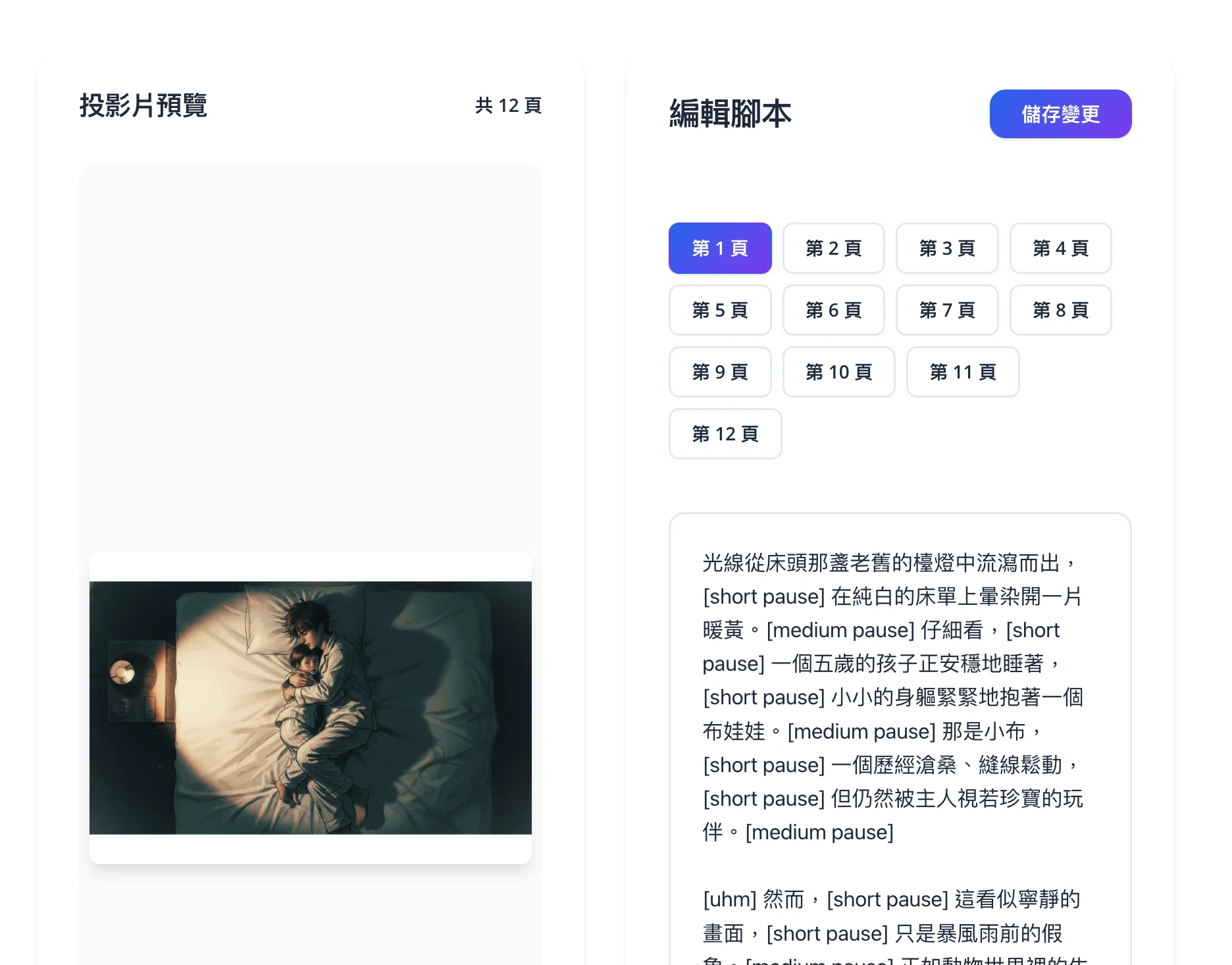
Step 3: Optimize Script
Users can choose short/medium/long modes to re-optimize, or manually modify the copy for any page in the editor. Once saved, it will be used for TTS and video synthesis.
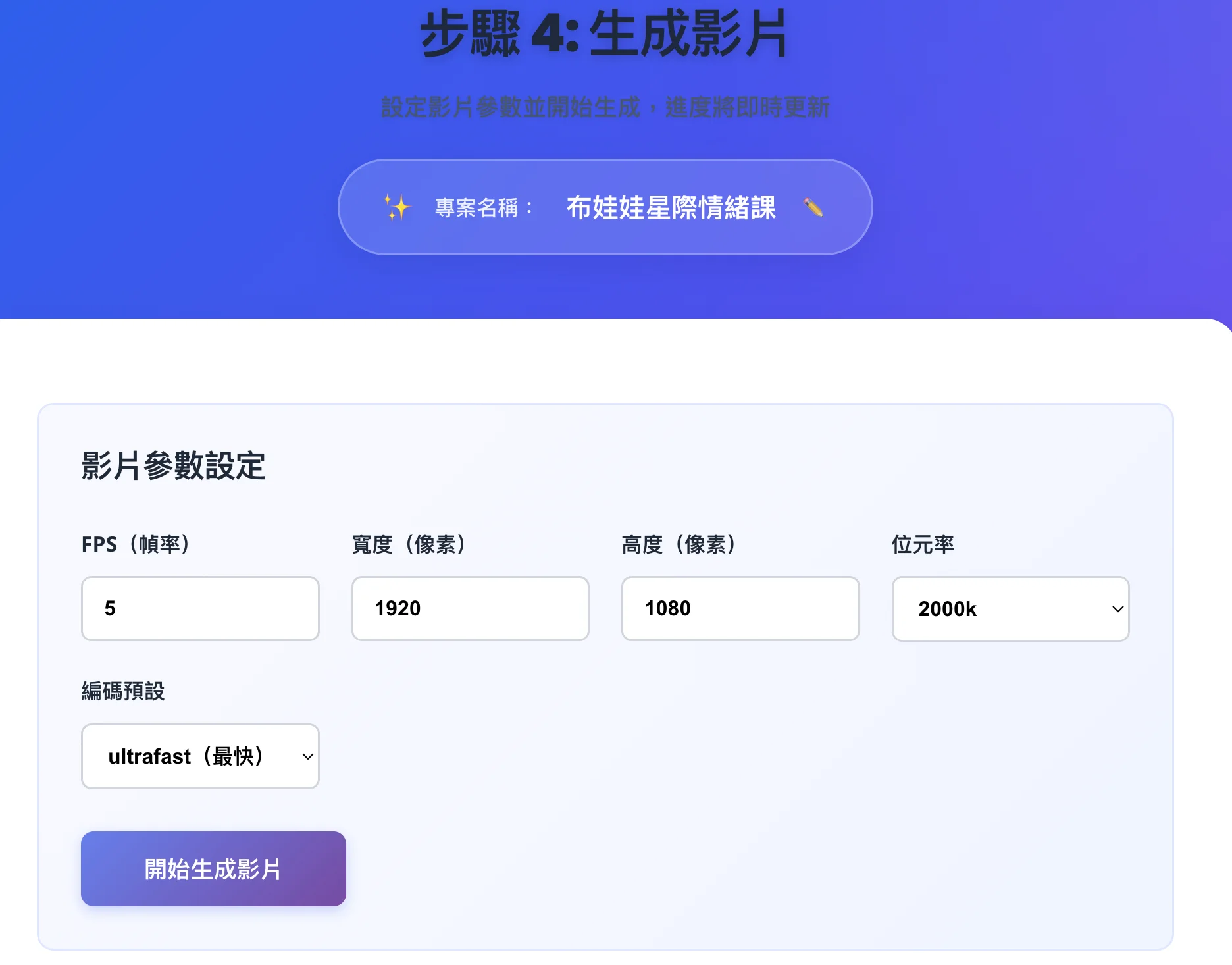
Step 4: Generate Video & Download
Select the TTS voice and video parameters for one-click synthesis, and check the real-time progress via WebSocket. Once completed, users can preview and download the MP4 video.

Settings & Project History
On the settings page, users can preview and select from 30 TTS voices. The project history page allows users to view past projects and reopen them, resuming from the corresponding step based on their current status.
Tech Stack
- Backend — FastAPI, Google Gemini 2.0 Flash (script generation and optimization), Google Cloud TTS (Gemini 2.5 Flash TTS), MoviePy (video synthesis), pdf2image / python-pptx (slide processing), WebSocket for real-time progress.
- Frontend — React 18, TypeScript, Vite, Zustand, Glassmorphism UI, Responsive Design.
Application Scenarios
Suitable for scenarios that require quickly converting presentation or tutorial slides into videos with voiceovers: online courses, product introductions, internal training, or remote sharing. It produces videos of consistent quality without the need for manual recording.