 Lab Bloss0m Note 000
 Square Couplets Master is an application that uses Google Gemini AI to generate traditional square couplet (Doufang) artworks. Enter keywords (e.g., wealth, health, galloping horses) and optionally upload reference images to guide the style. The AI will generate a diamond-shaped Doufang calligraphy artwork.
This system supports 1K, 2K, and 4K resolutions and multiple model options. The web interface provides settings for model and resolution, as well as result previews and downloads. It is ideal for Lunar New Year spring couplets, Doufang decorations, greeting cards, gifts, or personal creations that turn blessings into printable art.
1. Core Features
- AI-Generated Square Couplets: Automatically generates traditional-style square couplet artworks by simply entering keywords.
- Reference Image Support: Users can upload a reference image, and the AI will use its style to generate the artwork.
- Multiple Resolutions: Supports 1K, 2K, and 4K outputs; 2K/4K requires using newer image models.
- Multiple Model Options: Switch between Gemini 2.5 Flash (Fast), Gemini 3.1 Flash (Quality Balanced), and Gemini 3 Pro (Highest Quality) based on budget and quality needs.
- Interactive Settings and Preview: Adjust models and resolutions through the settings panel, and instantly preview and download the artwork on the results page.
2. Model and Resolution Selection
The project’s frontend clearly divides the roles of the three models, allowing users to choose according to their needs:
| Model | Supported Resolutions | Features | Recommended Use |
|---|---|---|---|
| Gemini 2.5 Flash | 1K | Low cost, fastest generation | Drafts, quick testing, rapid iteration |
| Gemini 3.1 Flash | 1K / 2K / 4K | Significantly better image quality than 2.5, supports high resolution | When better quality is needed but cost and speed are still concerns |
| Gemini 3 Pro | 1K / 2K / 4K | Richest details, best style understanding | Final products, print outputs, official releases |
Tip: If your API Key has not enabled paid billing, it is recommended to start testing with Gemini 2.5 Flash or Gemini 3.1 Flash first; switch to Gemini 3 Pro when pursuing the highest quality.
3. Example Artworks and Interface Navigation
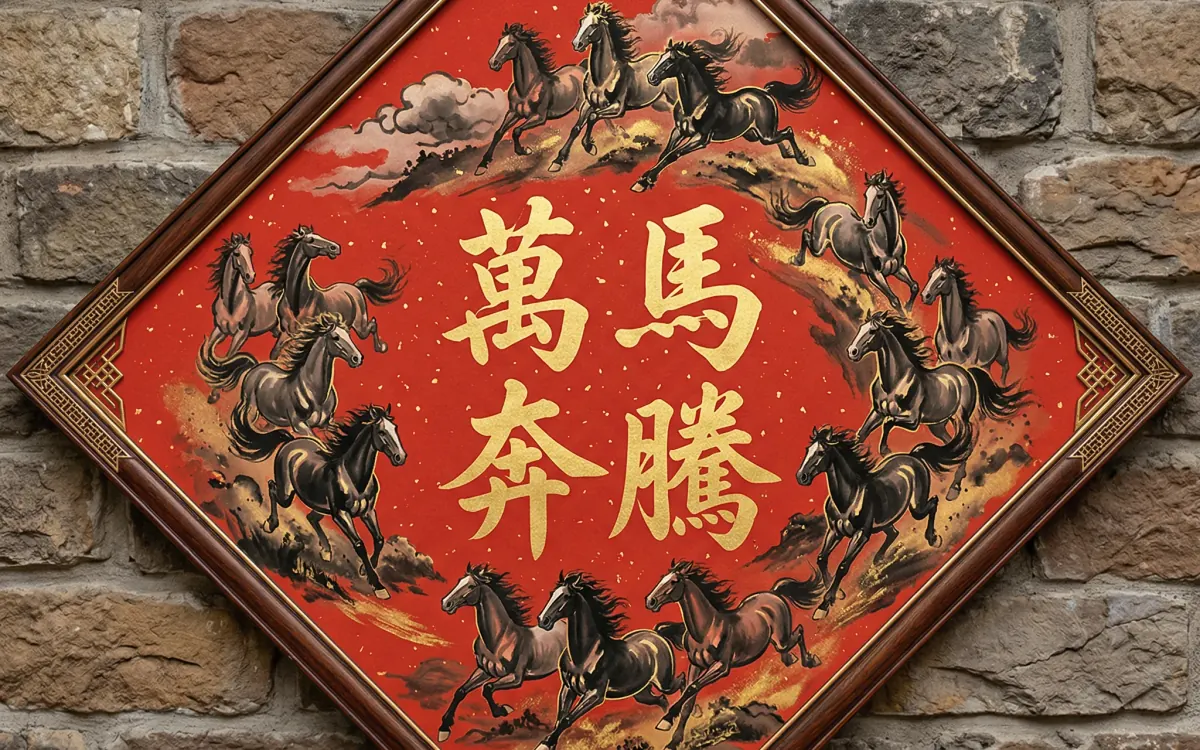
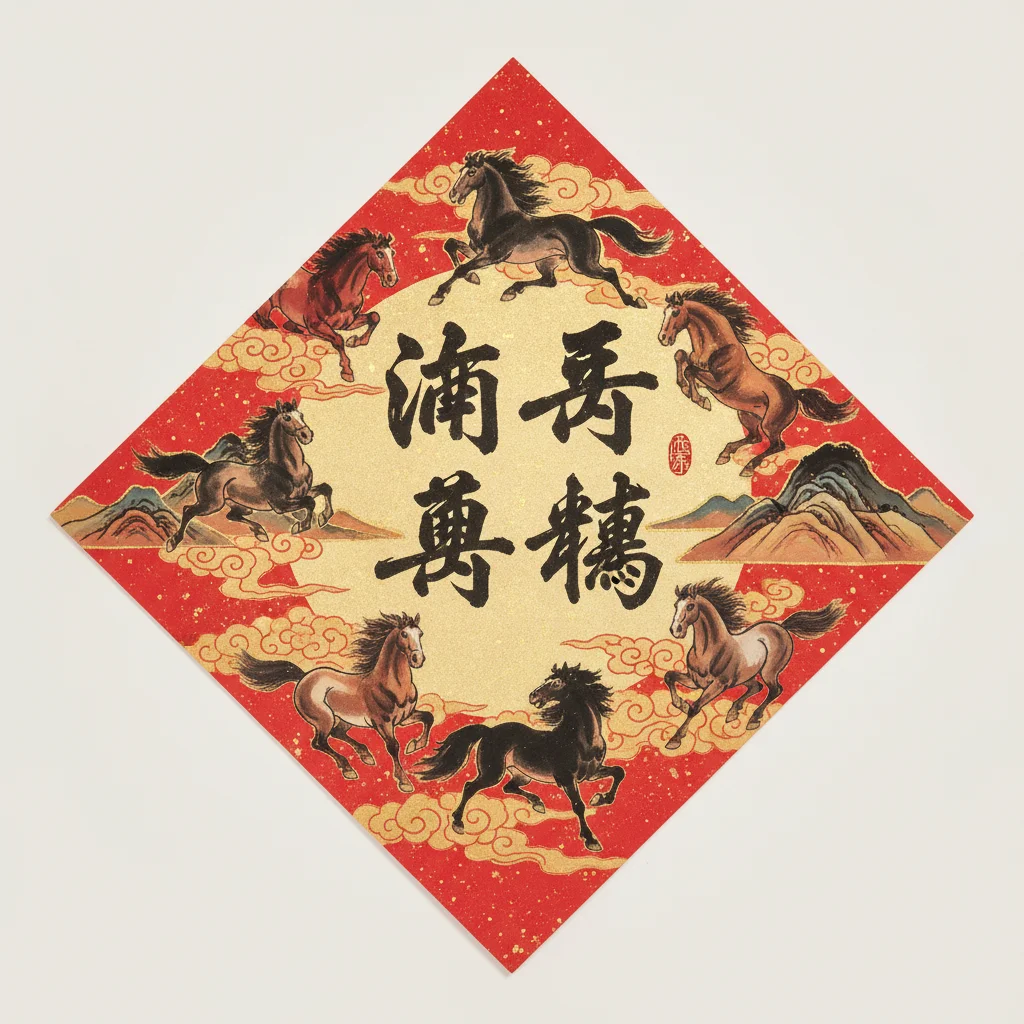
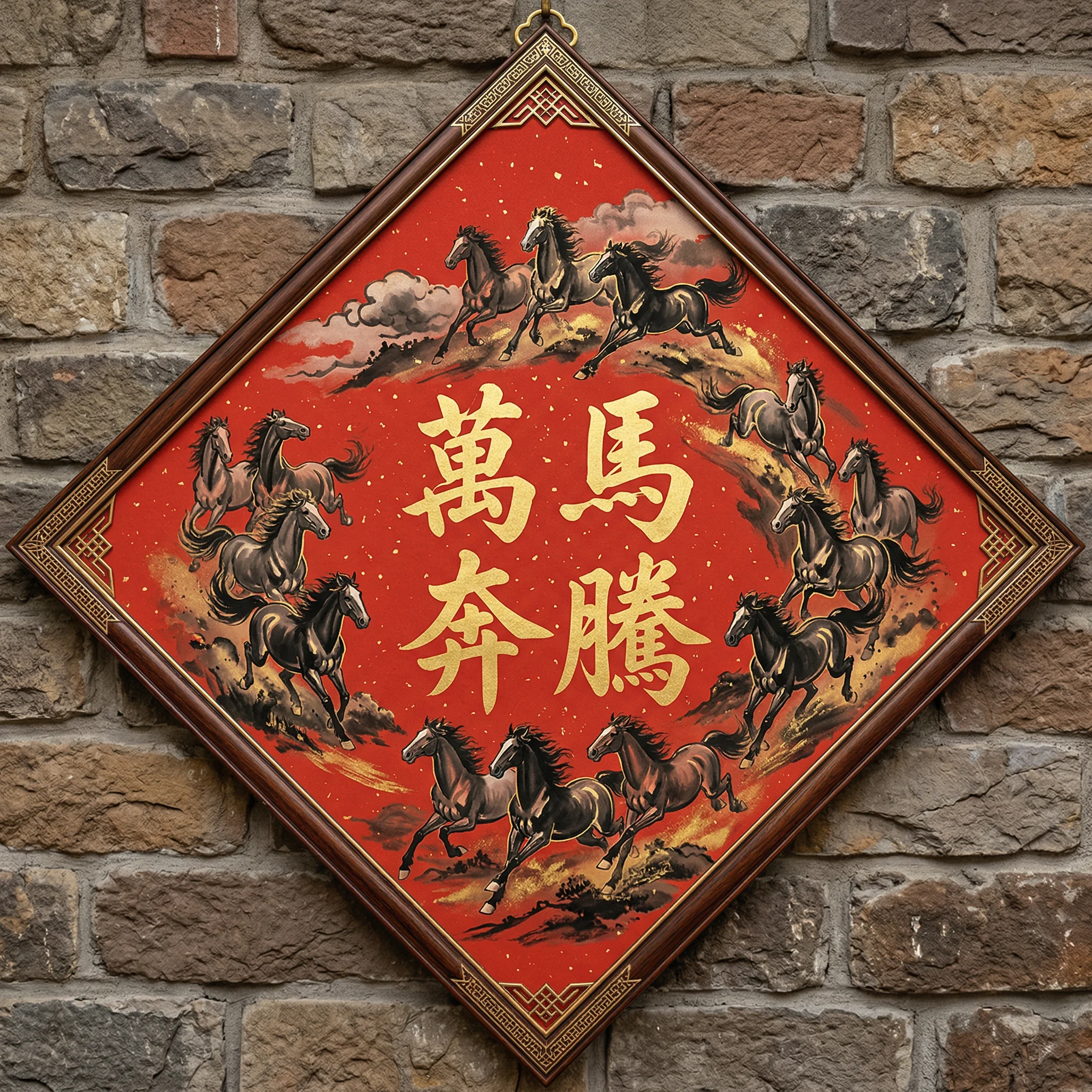
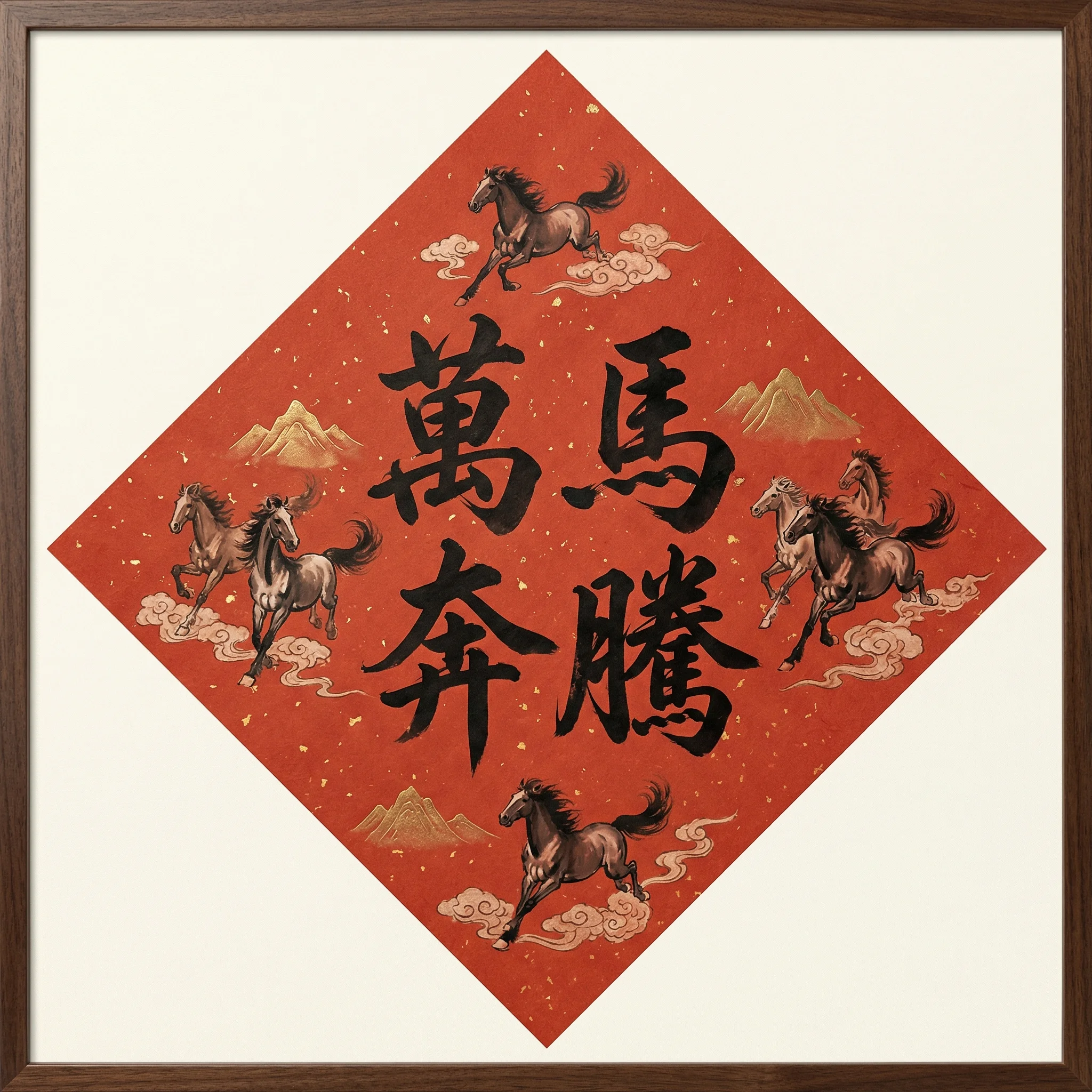
Below are multiple generation results and UI mockups using the keyword “Galloping Horses”.
3.1 Galloping Horses Generation Comparison
-
Gemini 2.5 Flash (1K): Fast generation with good quality, suitable for quick testing and iteration.
-
Gemini 3.1 Flash (2K/4K): Balances cost and speed with a significant improvement in image quality, suitable for most practical scenarios.
-
Gemini 3 Pro (2K/4K): Longer generation time, but with richer details and more accurate style understanding, suitable for final printed artworks.
3.2 System Settings and Operations
-
Settings Panel: In the settings panel, you can choose the model and output resolution to use, and manage configurations such as the Gemini API Key.
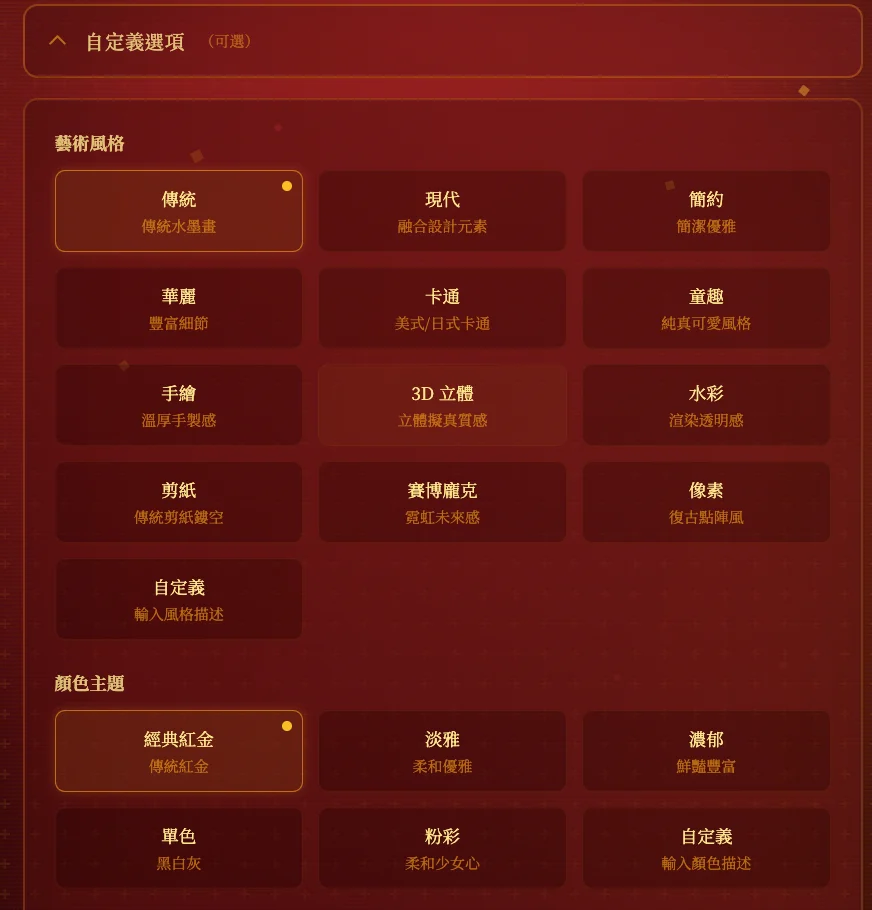
-
Result Preview: After generation is complete, you can preview the Doufang artwork on the results page and download the high-resolution image after confirmation.
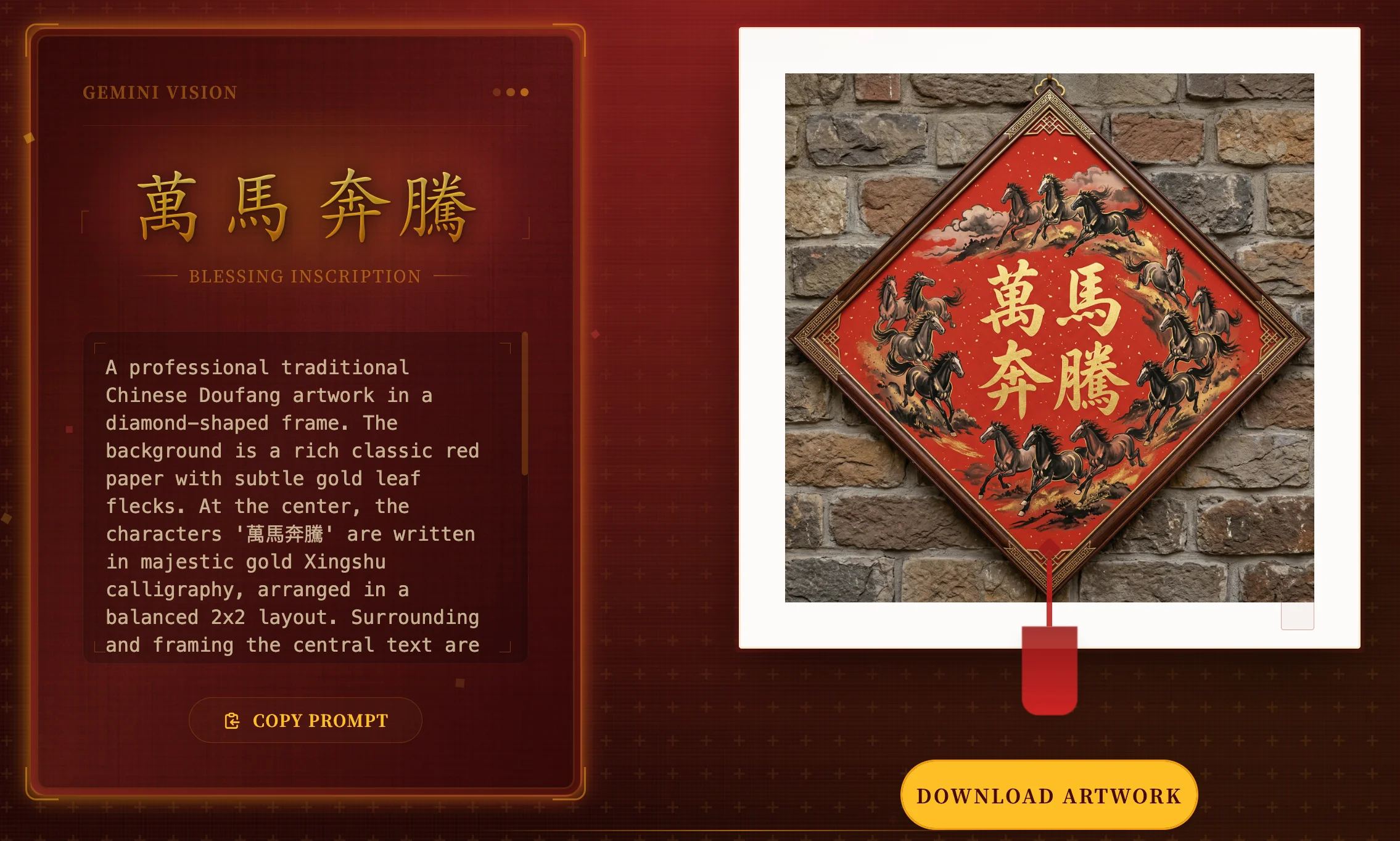
4. NPM Packages and CLI Tools
The project also provides an NPM version of Square Couplets Master Skills and its corresponding CLI:
- Global Installation:
npm install -g @justin_666/square-couplets-master-skills - Initialization in project:
doufang init --ai cursor(or windsurf / antigravity / claude) - Common Commands:
doufang-prompt: Generates a square couplets prompt based on keywords.doufang-image: Calls the Gemini image model to generate Doufang images (supports 1K/2K/4K).doufang-optimize: Optimizes the prompt to reduce excessive blank space and improve composition.
These Skills can be used in IDEs like Cursor via slash commands or CLI. They support progress prompts, version querying, and DEBUG mode, making it convenient to rapidly iterate and produce visual assets in the AI development workflow.
5. Tech Stack and Deployment
- Frontend Framework: React 19, TypeScript, Tailwind CSS, Vite.
- AI Integration: Google Gemini 2.5 Flash, Gemini 3.1 Flash, Gemini 3 Pro image models.
- Deployment: The project is configured with GitHub Actions. It automatically builds and deploys to GitHub Pages upon pushing to the
mainbranch.